

Disclosure: Stylevibe may earn a commission when you buy through links in this article, at no extra cost to you. We only feature brands and products we’d genuinely recommend.
Key Takeaways
- MUNBYN is best suited to shoppers who print labels frequently and want to avoid ink cartridges.
- A 4×6 desktop thermal printer is the most practical MUNBYN option for regular shipping.
- Bluetooth-capable models suit phone-led workflows, but connectivity varies by model and operating system.
- Direct thermal labels are economical and convenient, but they are not ideal for color printing or long-term archival use.
- Buy according to label size, print volume, and device compatibility rather than appearance alone.
If peeling, trimming, and taping paper labels has become the slowest part of your day, MUNBYN offers a satisfyingly tidier alternative. In this MUNBYN label printer review, I’m looking beyond the smooth shells and neat stacks of labels to answer the useful question: who will actually enjoy living with one? The brand’s direct thermal printers, compact label makers, labels, and related business tools are especially appealing to independent sellers, shipping desks, and enthusiastic home organizers—but the right choice depends on label size, mobility, and how you create your files.
MUNBYN label printer review: who is it really for?
MUNBYN is best for people who print labels repeatedly and value speed, low consumable fuss, and a more polished workspace.
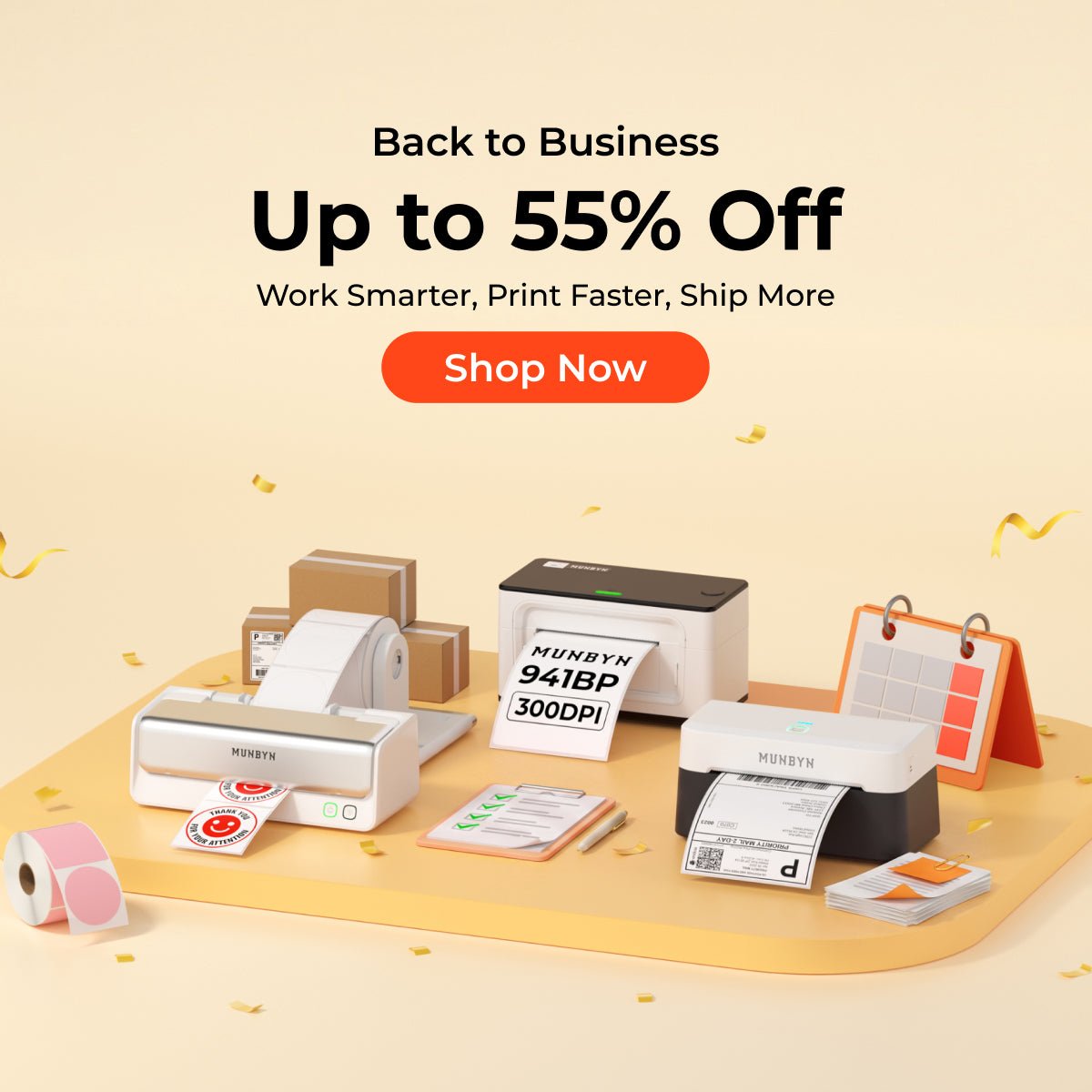
Direct thermal printing uses heat-sensitive media, so there is no ink cartridge or toner to replace. That makes a MUNBYN printer feel at home beside kraft mailers, tissue paper, ribbon, and the soft rip of labels coming off a roll. It is less compelling for someone who prints one parcel a month or needs colorful, presentation-quality stickers.
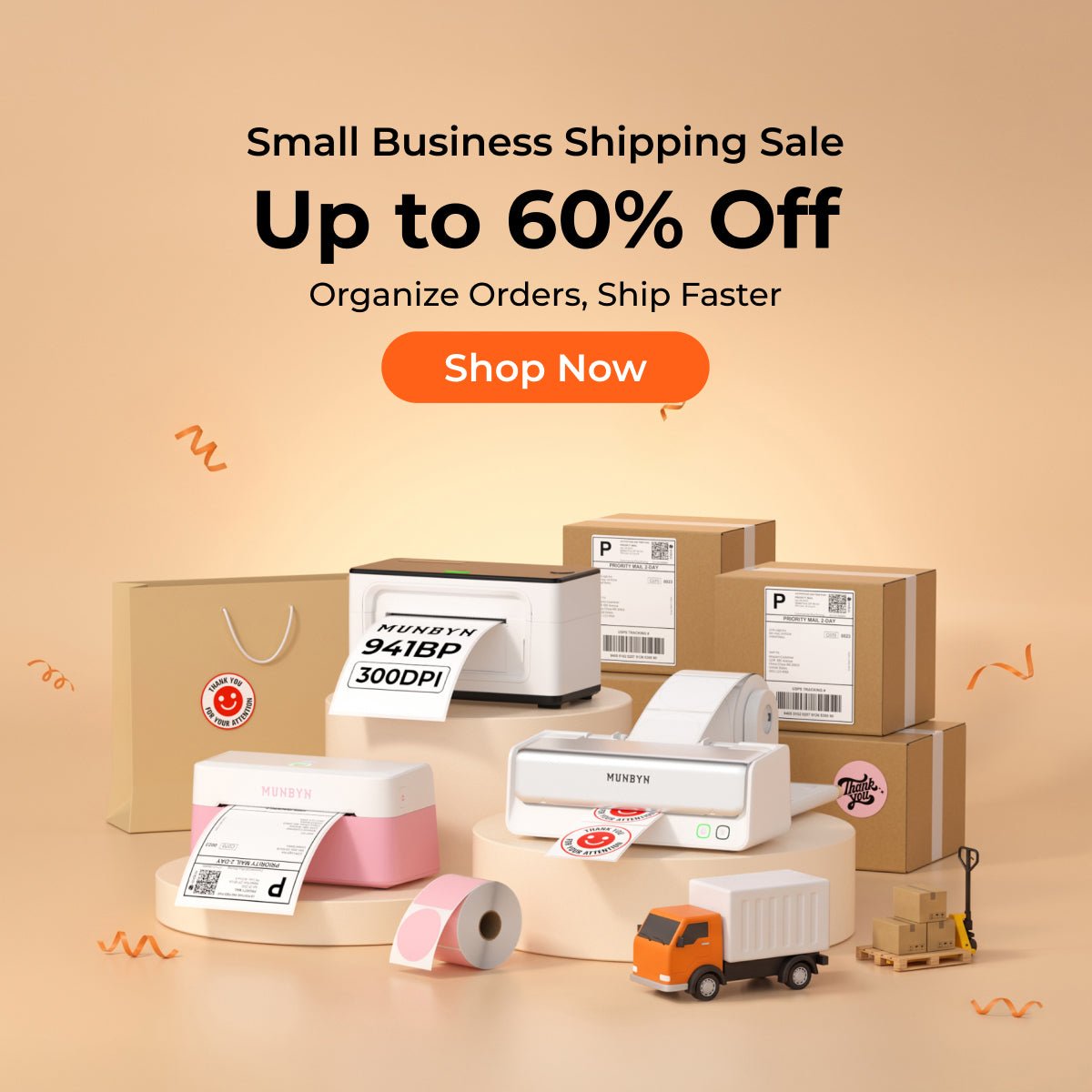
The brand covers more than a single shipping machine. Its range includes desktop thermal printers for common shipping labels, smaller label-making formats, label supplies, and complementary business equipment. You can browse the current MUNBYN range to see which formats and connection methods are presently available.
Match a MUNBYN label printer to your routine
The best MUNBYN printer is the one that matches your real label width, daily volume, and preferred device—not simply the prettiest model.
| Person or setting | Best-fit MUNBYN product type | Why it fits | Check before buying |
|---|---|---|---|
| Etsy, eBay, or Shopify seller | Desktop 4×6 thermal printer | Handles standard parcel labels without cutting and taping | Marketplace, carrier, and computer compatibility |
| Phone-first side hustler | Bluetooth-capable thermal printer | Supports a less desk-bound workflow when paired through the required app | Whether Bluetooth printing works with your phone and chosen apps |
| Busy packing bench | Wider desktop printer with roll or fanfold support | Keeps repetitive dispatch work moving | Supported media width and connection type |
| Market-stall or pop-up seller | Compact label maker | Useful for prices, barcodes, bins, and small product labels | Battery, charging, and label availability |
| Label-loving household | Small-format label maker | Suits pantry jars, cables, drawers, and storage boxes | Whether the available label styles suit the surface |
The growing online seller
For a seller moving from occasional orders to a daily stack, a 4×6 direct thermal printer is the sweet spot. It removes the little choreography of printer paper, scissors, and clear tape. The result is a cleaner packing station and a professional label that can move straight from screen to parcel.
The mobile maker
If your shop lives on your phone, prioritize a model explicitly sold with the mobile connectivity you need. Bluetooth can be wonderfully freeing, but it is not interchangeable with Wi-Fi, and setup may rely on a MUNBYN or model-specific app. Confirm support for your operating system before ordering rather than assuming every wireless-looking printer behaves the same way.
The meticulous home organizer
A full-width shipping printer is excessive for labeling spice jars or charger cables. A compact label maker is the more graceful fit: small, quick to reach for, and easy to tuck into a drawer. I particularly like thermal labels for utility spaces, where crisp black text feels calm and orderly without turning every cupboard into a craft project.
What using a MUNBYN thermal printer feels like
A well-matched MUNBYN thermal printer turns labeling into a quick, quiet routine, although the first setup still deserves careful attention.
The pleasure is in the rhythm: load compatible media, align the guides, calibrate if the model requires it, and print. There is no wet ink and no cartridge anxiety. Desktop shipping models are designed around labels rather than ordinary letter-size documents, so they should be treated as dedicated tools rather than replacements for household inkjet printers.

Print quality depends on more than the machine. A low-resolution source file can still produce a fuzzy barcode, while incorrect sizing may crop an address or shrink a 4×6 label. Download the carrier’s thermal-label format when offered, select the correct dimensions, and print at actual size. That small bit of discipline makes the finished label look much sharper.
The appealing parts—and the trade-offs
MUNBYN’s strongest advantage is convenient monochrome label printing, while its main limitations come from thermal media and model-specific compatibility.
What I like
- No ink or toner purchases for direct thermal printing
- Dedicated options for shipping, barcode, price, and organization labels
- A tidier workflow for sellers processing repeat orders
- Compact designs that do not visually overwhelm a small desk
- Access to matching labels and related business accessories from the same brand
What to consider
- Direct thermal output is monochrome rather than full color
- Heat, strong sunlight, and time can darken or fade thermal labels
- Bluetooth, USB, app, and operating-system support differ by model
- Label size and media compatibility must be checked carefully
- Occasional shippers may not save enough time to justify another device
Thermal labels are excellent for parcels and short-to-medium-term identification, but I would not choose them for archival records, treasured keepsakes, or anything displayed beside a hot window. For colorful branding, use preprinted thermal labels or add a separate branded sticker.
How to choose from the MUNBYN range
Choose by task first, connectivity second, and design third to avoid buying a printer that clashes with your workflow.
Start with the largest label you regularly need. Shipping sellers commonly want 4×6 support; product labeling and household organization may call for something narrower. Next, decide where labels originate. A fixed computer-and-USB setup can be wonderfully dependable, while phone-led businesses should look for clearly documented mobile support.
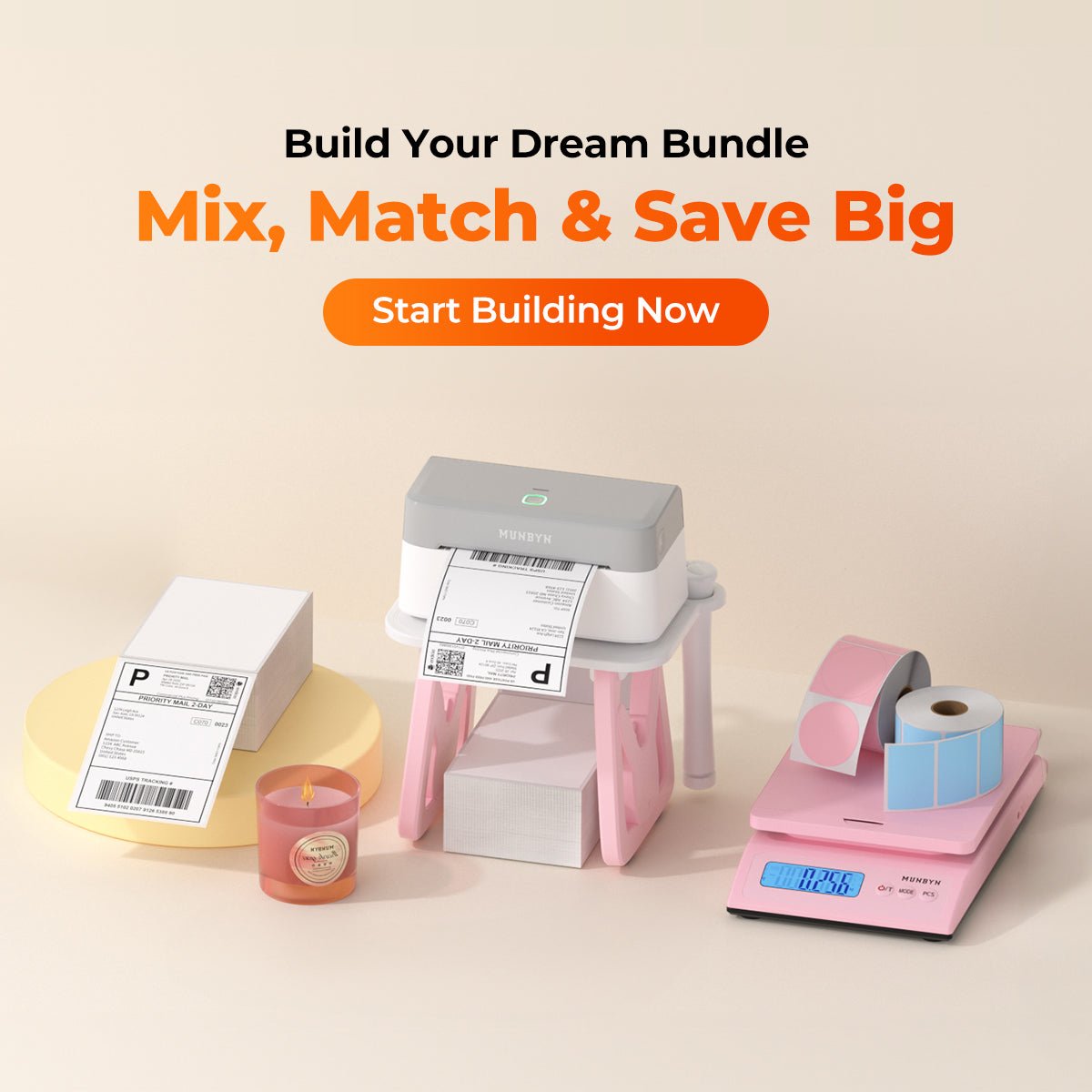
Then check whether the printer accepts rolls, fanfold stacks, or both, and price the compatible labels you will use every month. Finally, read the current product specifications rather than transferring features from one MUNBYN model to another. The brand’s catalog spans distinct formats and workflows.
For frequent sellers, the payoff is easy to picture: fewer loose sheets, less tape stuck to your fingertips, and a packing table that feels ready when orders arrive. If that sounds like your afternoon, compare MUNBYN printers and label supplies by format and connectivity. If you print rarely, keep your current setup until the volume—not the fantasy of a perfect desk—makes a dedicated printer worthwhile.
Disclosure: This article contains affiliate links, which may earn us a commission at no additional cost to you.
Frequently Asked Questions
Are MUNBYN label printers good for small businesses?
MUNBYN label printers are a practical fit for small businesses that regularly produce shipping, barcode, price, or inventory labels. Direct thermal printing avoids ink and toner costs, but shoppers should match the model to their required label width, print volume, device, and selling platform.
Do MUNBYN thermal printers need ink?
MUNBYN direct thermal printers do not use ink or toner. They create monochrome images by applying heat to compatible thermal labels, which must be purchased as an ongoing consumable.
Can a MUNBYN printer print 4×6 shipping labels?
MUNBYN models designed for wide shipping labels can print the common 4×6 format used by many carriers and marketplaces. Not every MUNBYN label maker supports that width, so buyers should verify the model’s maximum media size before ordering.
Can I print from my phone to a MUNBYN label printer?
Phone printing is available on MUNBYN models that explicitly support Bluetooth or another compatible mobile connection. The required app, operating-system support, and printing workflow vary by model, so compatibility should be confirmed on the current product page.
Will MUNBYN printers work with Etsy, Shopify, eBay, or Amazon labels?
A compatible MUNBYN shipping printer can print label files generated by major marketplaces and carriers when the file dimensions and printer settings match. Sellers should download the correct thermal-label format, select the exact label size, and verify model and operating-system compatibility.
Are MUNBYN thermal labels permanent?
Thermal labels are durable enough for normal shipping and everyday organization, but they are not ideal for permanent archival use. Prolonged heat, sunlight, friction, or chemical exposure can cause direct thermal material to fade or darken over time.