
Disclosure: Stylevibe may earn a commission when you buy through links in this article, at no extra cost to you. We only feature brands and products we’d genuinely recommend.
Key Takeaways
- Choose a LASERPECKER model by laser wavelength and material, not power alone.
- LP4 is the most versatile entry point for shoppers who engrave both organic materials and coated or bare metals.
- LP5 is the stronger choice for faster production work, deeper metal marking and more demanding cutting.
- LASERPECKER machines favor portability and fast setup over the large work area of a gantry engraver.
- An enclosure and effective fume extraction should be treated as essential parts of the setup.
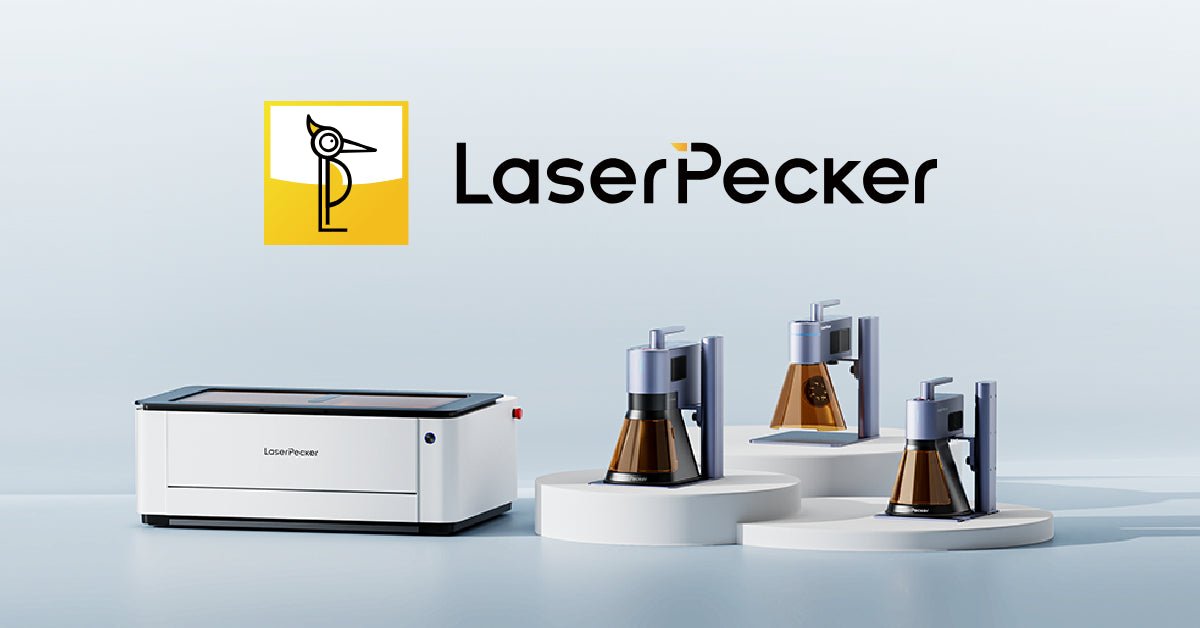
A LASERPECKER laser engraver makes the most sense for creators who want a compact, movable machine rather than a large open-frame gantry. The brand’s lineup spans affordable blue-diode engravers, metal-focused infrared machines and dual-laser models capable of handling a much broader material mix. The catch is that model names alone do not tell you which one belongs on your workbench: wavelength, working area, accessories and ventilation matter more than headline power.
Which LASERPECKER laser engraver should you buy?
LP2 suits occasional wood and craft projects, LP3 specializes in metal marking, LP4 is the versatile all-rounder, and LP5 is the performance choice for serious production.
This is a genuinely differentiated range rather than a simple good-better-best ladder. LP2 uses a blue diode suited to wood, leather, paper, cardboard and other receptive organic materials. LP3 instead uses a 1064 nm infrared laser designed for fine marks on metals and plastics. Neither is universally better; they solve different jobs.
LP4 combines a 10W blue diode with a 2W infrared source, letting one machine move between wood-based crafts and detailed metal or plastic marking. LP5 steps up to a 20W blue diode and 20W fiber laser, delivering substantially more capability for cutting, deeper engraving and faster repeat work. Shoppers can compare the current LASERPECKER range and available bundles before deciding which accessories belong in the initial order.
| Model | Laser configuration | Best suited to | Main compromise |
|---|---|---|---|
| LP2 | 5W blue diode | Wood crafts, leather, paper and simple personalization | Poor choice for bare-metal engraving |
| LP3 | 1064 nm infrared | Jewelry, tools, coated metals and plastics | Not intended as a general wood cutter |
| LP4 | 10W diode plus 2W infrared | Mixed-material makers and small custom-gift businesses | Less metal power than LP5 |
| LP5 | 20W diode plus 20W fiber | Production work, deeper metal marks and more capable cutting | Higher price and greater safety investment |
Start with the material, not the wattage
The correct laser wavelength determines whether a material engraves effectively, while wattage mainly affects speed, depth and cutting capacity within that wavelength’s limits.
Blue diode lasers are the practical choice for wood, dark acrylic, leather, paper and many coated surfaces. Clear, white or highly reflective materials can be difficult because they may transmit or reflect blue light rather than absorb it. Material compatibility also varies by composition, so test pieces are indispensable.
Infrared and fiber sources are better aligned with bare metals and many engineering plastics. LP3 is attractive if small metal objects are the core workload; think tags, jewelry, tools and electronic housings. LP4 makes more sense when those jobs share a desk with wooden gifts or leather goods. LP5 is justified when metal engraving is frequent enough for its more powerful fiber source to save meaningful production time.
A quick decision test
List the five materials you expect to use most often, then match each one to the appropriate wavelength. If four are wood, leather or opaque acrylic, a diode-led model is logical. If four are bare metal, an infrared or fiber machine is the safer investment. A dual-laser model earns its premium when both columns contain real, recurring projects—not merely projects you might attempt someday.
Portability is the brand’s advantage—and its trade-off
LASERPECKER’s compact format is excellent for small objects and mobile setups, but it cannot match the continuous bed area of a large gantry laser.
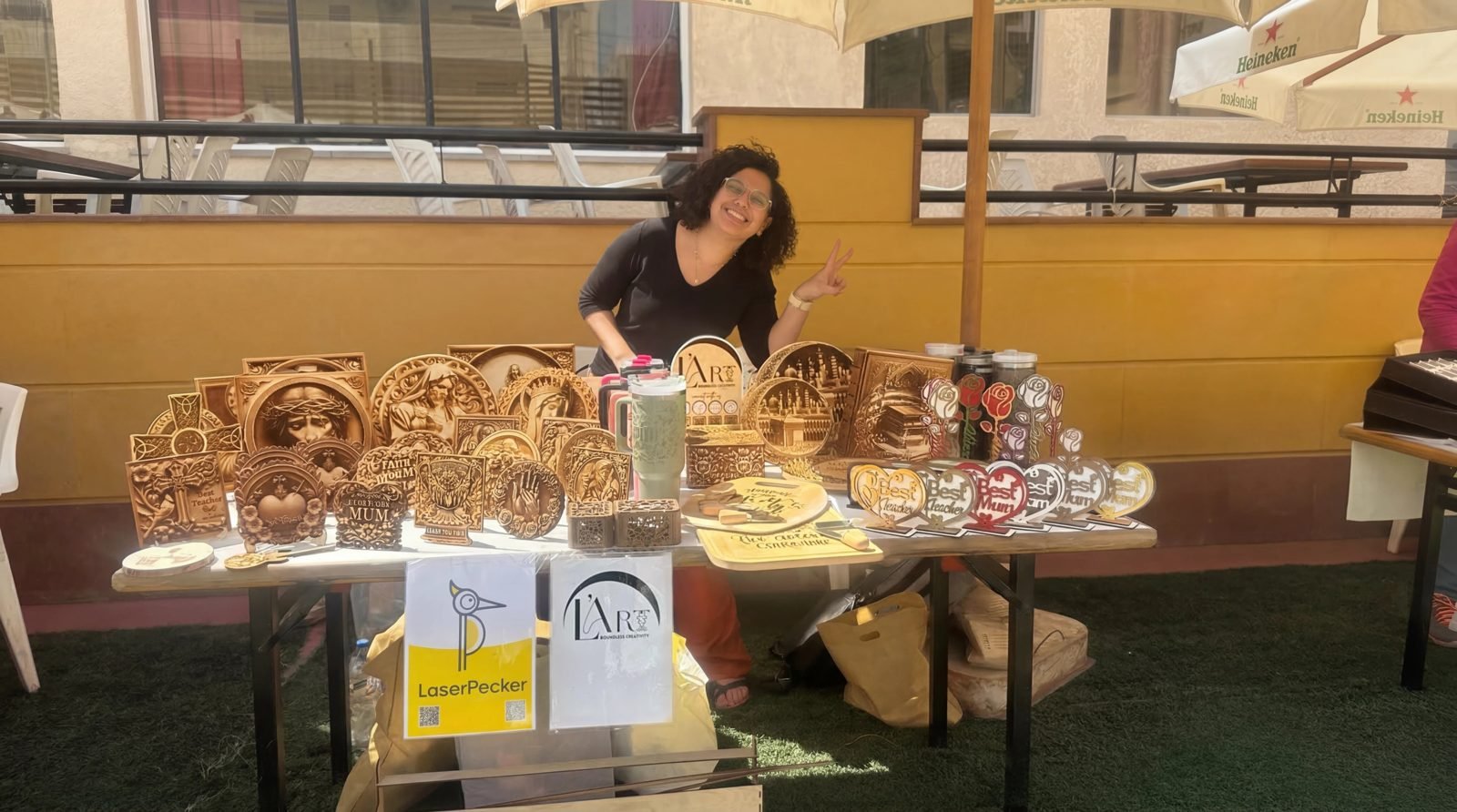
The upright, galvo-style design occupies little desk space and can be repositioned over suitable objects. That is useful for craft fairs, maker studios and businesses personalizing finished products. Fast beam steering also feels more immediate than waiting for a heavy gantry to travel across every line.
The trade-off is a relatively concentrated native engraving field. Extensions and slide accessories can support longer designs on compatible models, while rotary accessories open up tumblers, rings and cylindrical objects, but these add cost and setup time. Anyone producing large wall signs or cutting full sheets should compare a conventional enclosed gantry machine before committing.

What should be in your LASERPECKER budget?
Budget for the machine, enclosure, extraction and project-specific fixtures rather than spending the entire allowance on the highest-powered laser.
A basic machine may be enough for flat test pieces, but real workflows quickly reveal what is missing. A rotary unit matters for cups and jewelry. A slide extension helps with longer graphics. A stable cutting plate protects the surface below, while an enclosure and exhaust system control reflected light, smoke and odors.
Bundle contents differ, so inspect the product-page list rather than assuming a promotional photo represents everything included. The official LASERPECKER offers and configurations are the right place to check current package details.
Pros
- Compact footprint and easy-to-move form factor
- Distinct laser options for crafts, plastics and metals
- Dual-laser models reduce the need for two separate machines
- Useful rotary and extension accessories for specialized work
Cons
- Smaller native work area than many gantry engravers
- Accessories can raise the complete system cost considerably
- Material settings require testing rather than blind reliance on presets
- Smoke extraction and laser-safe containment still demand space and planning
Who is a LASERPECKER laser engraver for?
LASERPECKER is best for makers who personalize relatively small items and value flexibility, speed and portability more than sheet-sized capacity.
The weekend crafter: LP2 offers an accessible route into wooden ornaments, leather patches, cards and labels, provided metal engraving is not the objective.
The jewelry or tool marker: LP3 targets fine logos, names, codes and patterns on suitably compatible metals and plastics without paying for a general-purpose cutting laser.
The mixed-material seller: LP4 is the lineup’s practical sweet spot. Its dual sources cover a broader catalog, making it easier to switch between wooden gifts, coated objects, metal tags and plastic components.
The growing personalization business: LP5 is the stronger candidate when output, deeper marks and expanded metal capability can produce a return on its higher cost. It is more machine than a casual hobbyist needs, but its two 20W sources remove many limitations found lower in the range.

The final buying verdict
LP4 is the safest recommendation for broad creative use, while LP5 is the better buy only when demanding metal or production work supports the extra investment.
LASERPECKER’s appeal is not simply that its engravers are small; it is that buyers can select genuinely different beam technologies in a similarly portable format. LP2 and LP3 remain sensible specialists, but their narrower material coverage makes choosing correctly essential. Before ordering, confirm the target materials, measure the largest objects and price the safety equipment alongside the laser. Then choose the LASERPECKER model and bundle that matches the actual workload, not the most impressive specification sheet.
Frequently Asked Questions
Which LASERPECKER model is best for beginners?
LP2 is approachable for beginners mainly engraving wood, leather, paper and similar craft materials. LP4 is a better long-term beginner purchase when the project list also includes compatible metals and plastics because it combines blue-diode and infrared lasers.
Can a LASERPECKER engrave bare metal?
Yes, but the model matters. LP3 and LP4 include infrared capability for marking compatible bare metals, while LP5 uses a more powerful fiber laser for faster, deeper and more demanding metal work; a blue-diode-only model is generally limited to coated or treated metal surfaces.
Can LASERPECKER machines cut wood and acrylic?
Blue-diode LASERPECKER models can cut suitable thin wood and some opaque acrylic, with results depending on power, material composition, thickness and the number of passes. Clear acrylic generally does not absorb blue-diode light effectively, so it is not an ideal match.
Is the LaserPecker LP4 or LP5 better?
LP4 is better value for mixed-material personalization and moderate workloads, using a 10W diode and 2W infrared laser. LP5 is better for businesses needing a 20W diode, a 20W fiber source, faster throughput, deeper metal engraving or stronger cutting performance.
Do I need an enclosure for a LASERPECKER engraver?
An appropriate laser-safe enclosure is strongly recommended because it helps contain reflected laser light and supports controlled fume extraction. Protective eyewear alone does not remove the need to manage smoke, fire risk, bystanders and reflective surfaces.
What software does LASERPECKER use?
Current LASERPECKER machines use the brand’s LaserPecker Design Space workflow on supported desktop or mobile devices, with exact connectivity and feature support varying by model. Buyers should verify current operating-system compatibility and file-format support for the specific machine before purchase.